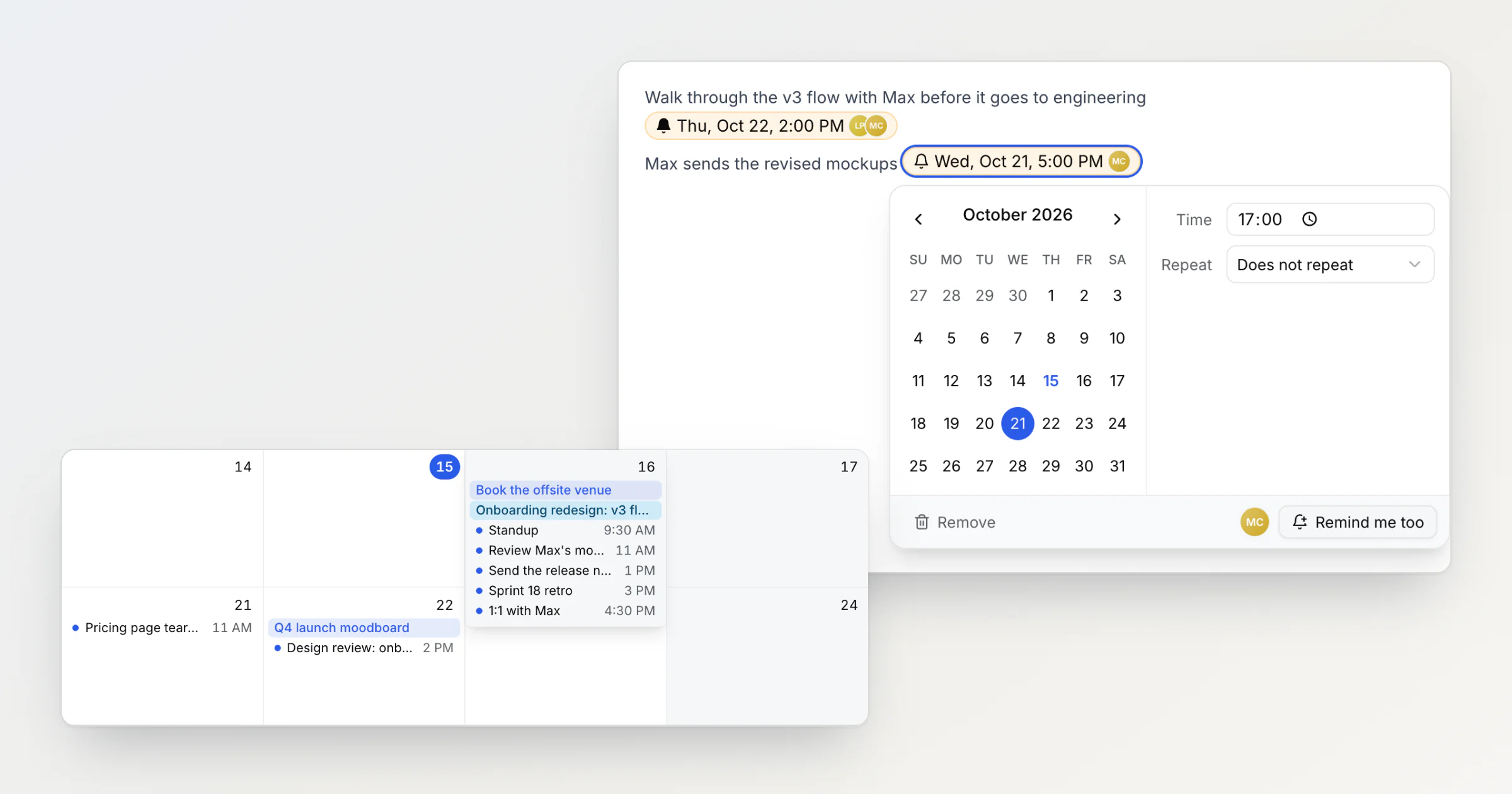
Shared reminders in a team note: who gets the notification
In a shared Notez workspace, a reminder in a note can now remind several people. Whoever adds it is reminded, teammates click Remind me too, and pasted copies send one notification.
Ideas, tutorials, and updates from our team.
In a shared Notez workspace, a reminder in a note can now remind several people. Whoever adds it is reminded, teammates click Remind me too, and pasted copies send one notification.
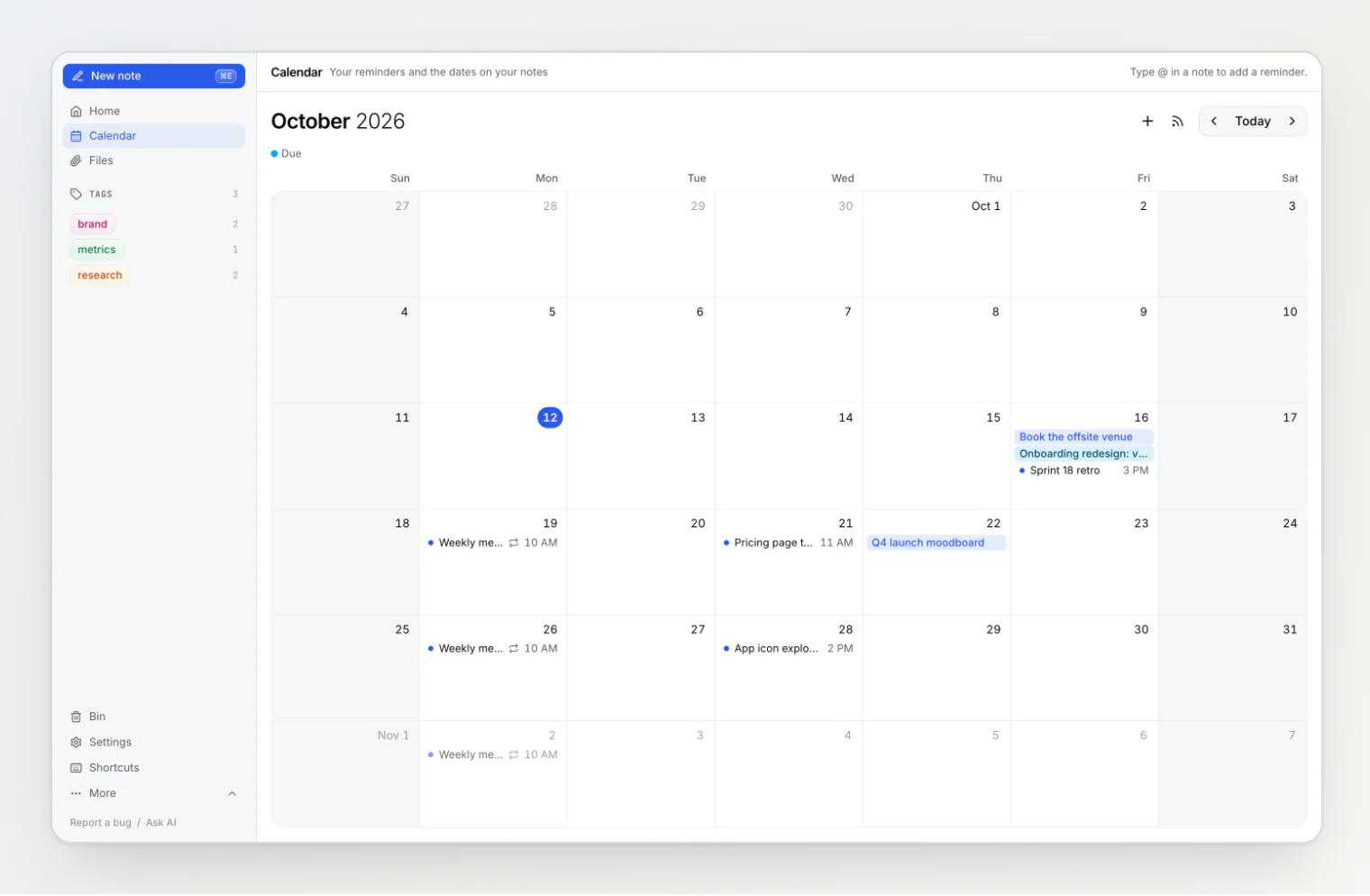
Notez v0.20.0 adds reminders you type into a note with @, a Calendar page that shows them next to every date property, and the same @ in the search box and on boards.
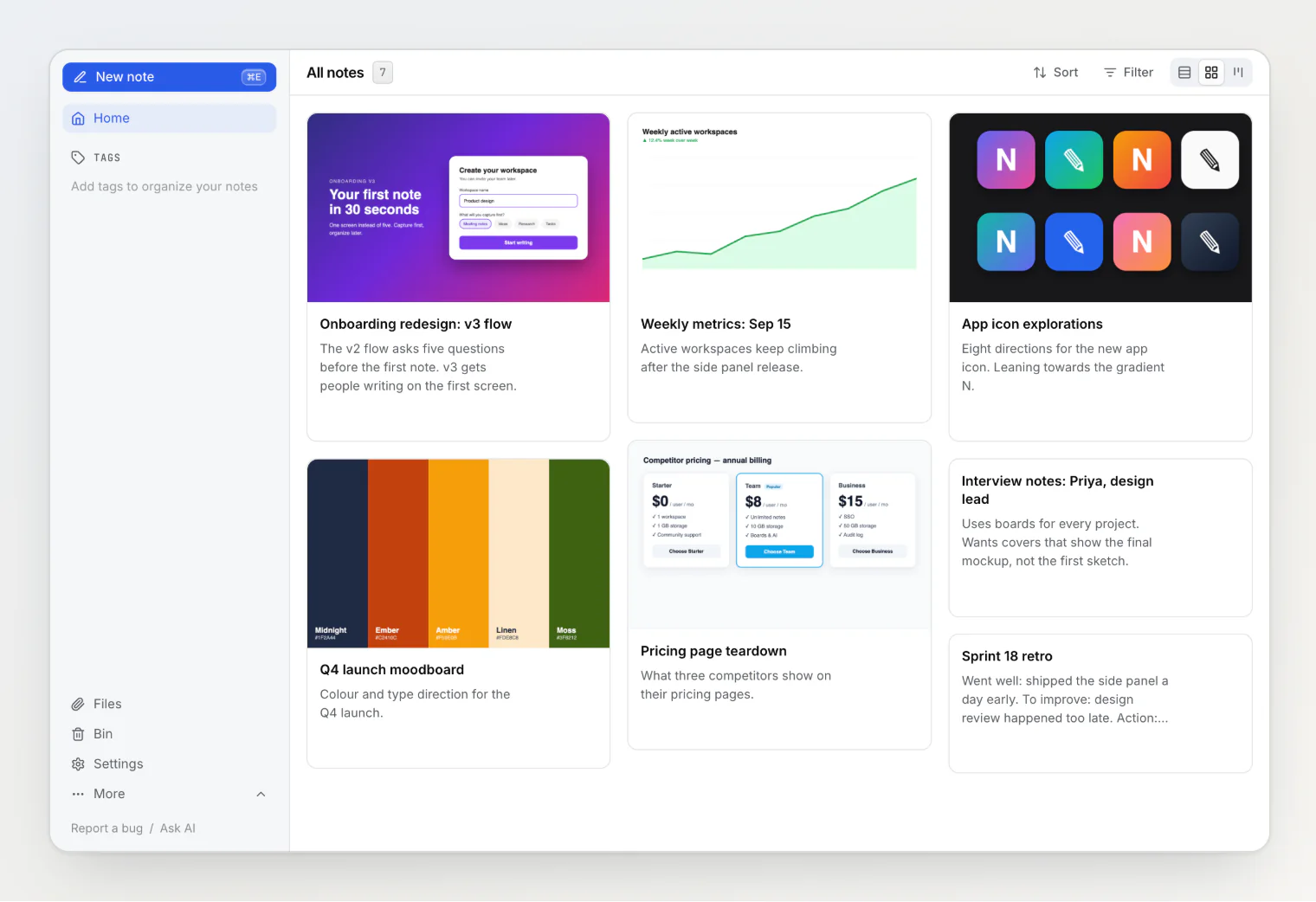
A note card used to show the first image in the note, whether or not it was the right one. Now you can pick any image in the note as the card's cover, or show none, from the note's menu.
Paste a screenshot or a file while renaming a note in the list, and it lands at the end of that note. No opening, no scrolling, no coming back. Also: custom properties in workspace settings, and property names on hover.
Add a cover image to a kanban card by pasting a screenshot straight into the column's quick-add box. Notez v0.12.0 uploads while you type the title, waits for the upload when you press Enter — and fixes the same save-mid-upload bug in the new note dialog.
Last release we removed a hover-only "Configure sidebar" link and explained why. Notez v0.8.1 puts a version of it back for the one case the argument missed — an empty sidebar — and adds Edit property to every section's menu, so the dialog opens on the property you were already looking at.
Tags had a sidebar section. Status, Assignee, and Project did not, so filtering by them was three clicks away. Notez v0.8.0 lets any select, member, relation, or board property live in the sidebar as a one-click filter — and a review of the plan cut half of what we first designed.
Reviewing twenty notes used to mean forty navigations, and a scroll position thrown away each time. Notes now open in a side panel over the list — here is why, and the two bugs that made it interesting.
What backlinks are, why linked notes beat folders for connected thinking, and practical patterns for building a web of notes.
Notez has no folders. It has tags, nesting, boards, and eleven types of custom properties — four overlapping systems that let a note be in many places at once.