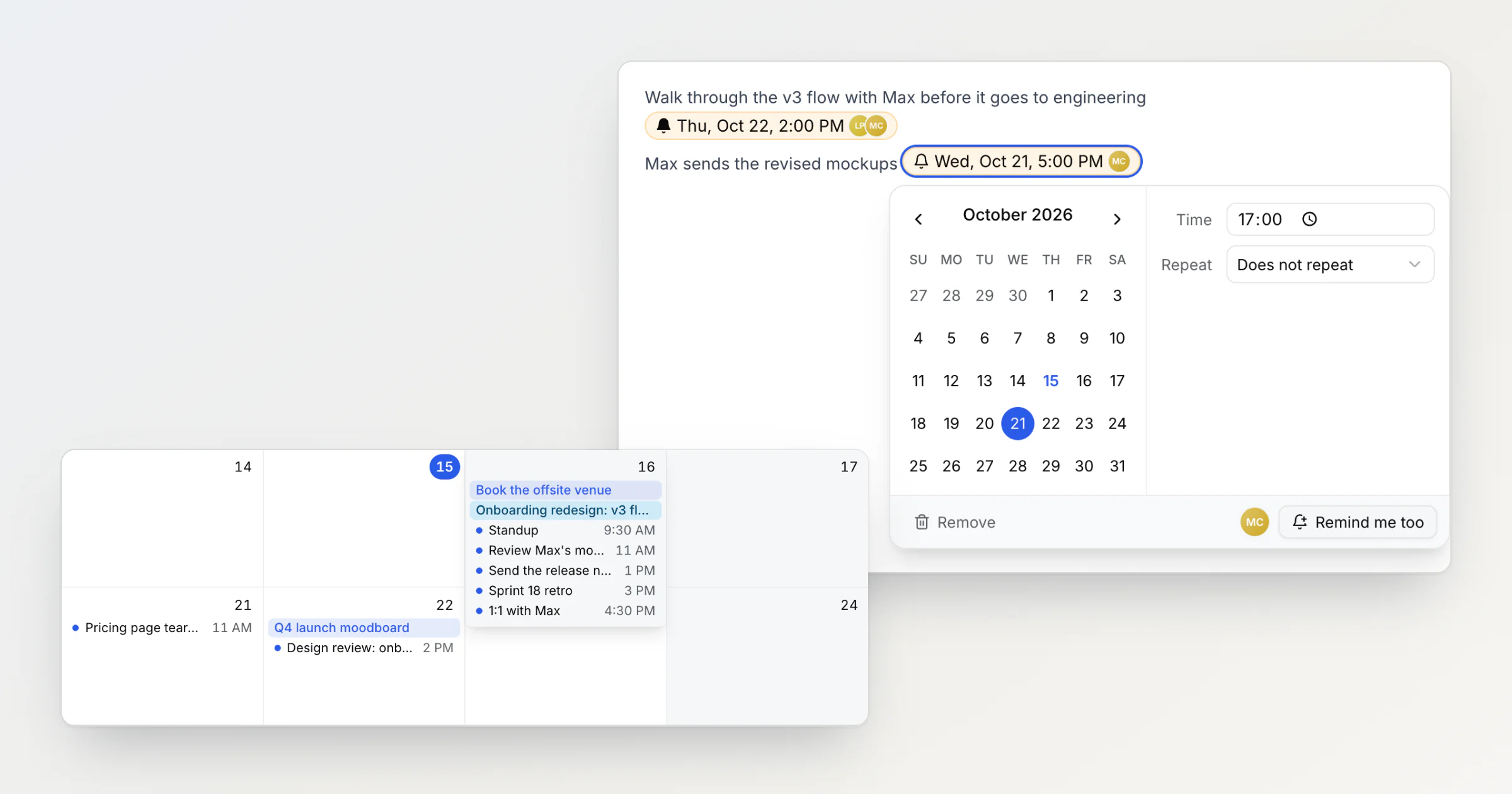
Shared reminders in a team note: who gets the notification
In a shared Notez workspace, a reminder in a note can now remind several people. Whoever adds it is reminded, teammates click Remind me too, and pasted copies send one notification.
Ideas, tutorials, and updates from our team.
In a shared Notez workspace, a reminder in a note can now remind several people. Whoever adds it is reminded, teammates click Remind me too, and pasted copies send one notification.
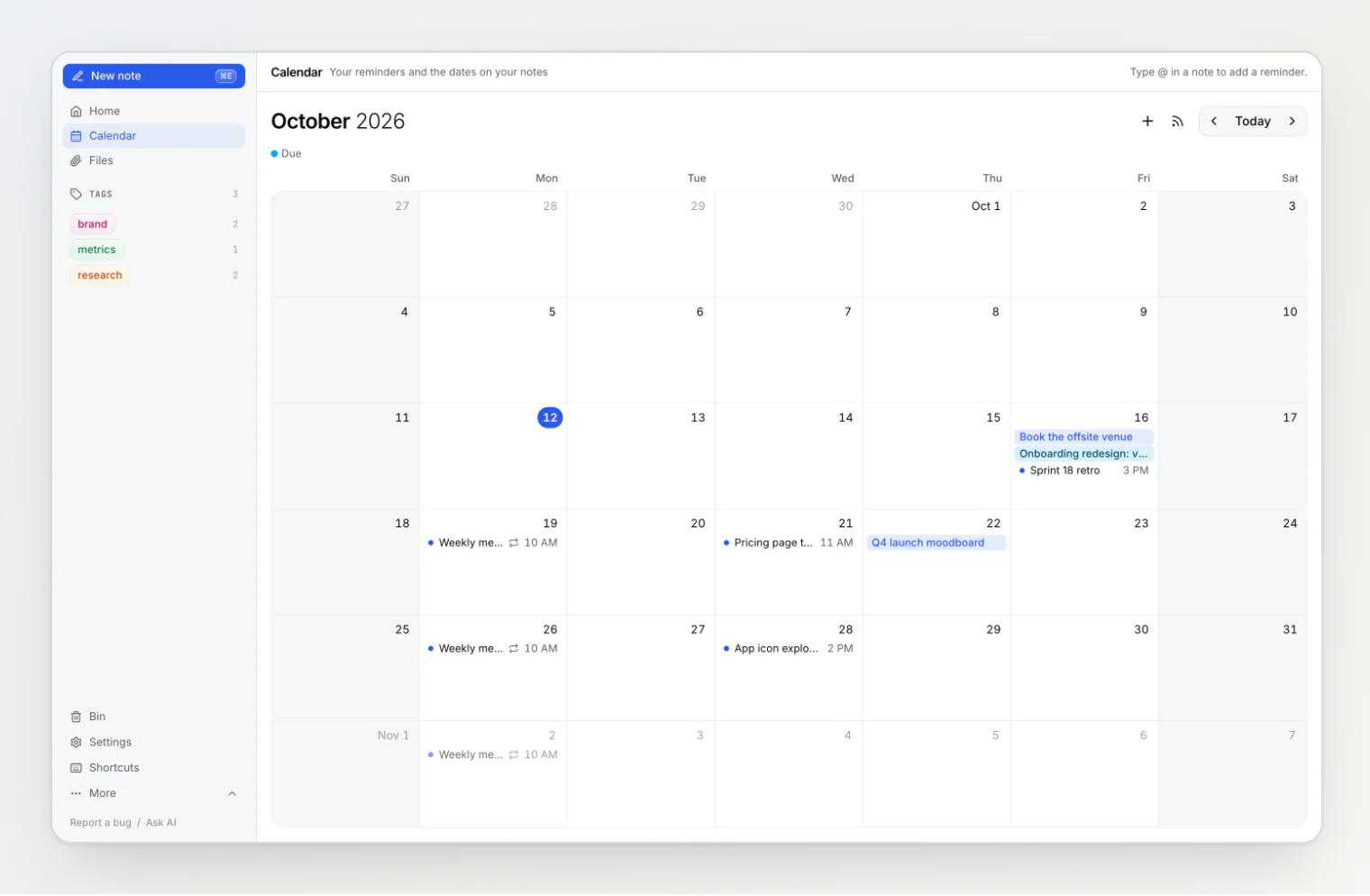
Notez v0.20.0 adds reminders you type into a note with @, a Calendar page that shows them next to every date property, and the same @ in the search box and on boards.
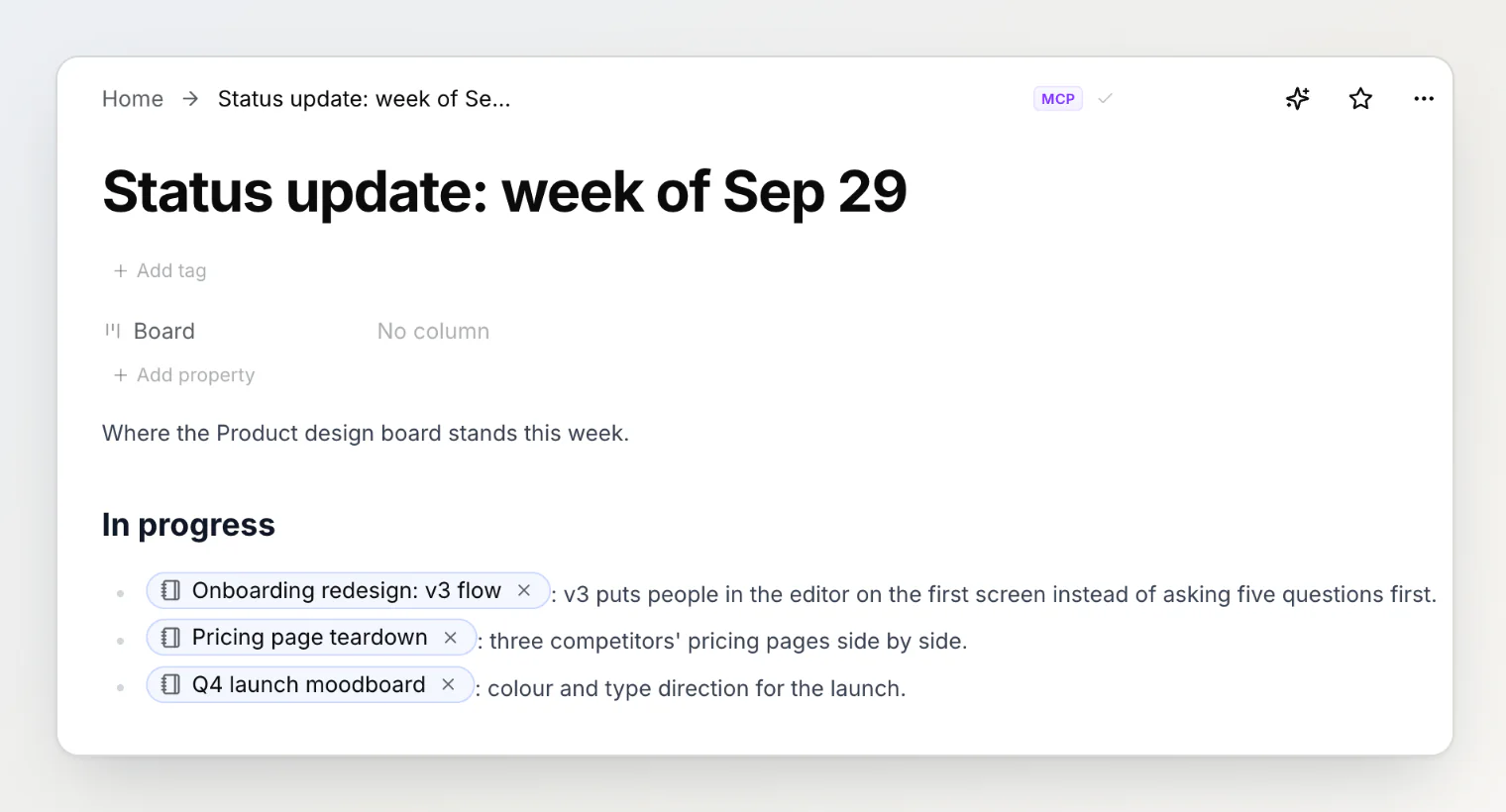
Notez v0.17.0 turns your notes into a connector you add to Claude, ChatGPT or VS Code with one URL. Sign in, choose read only or read and write, and take access back whenever you like.
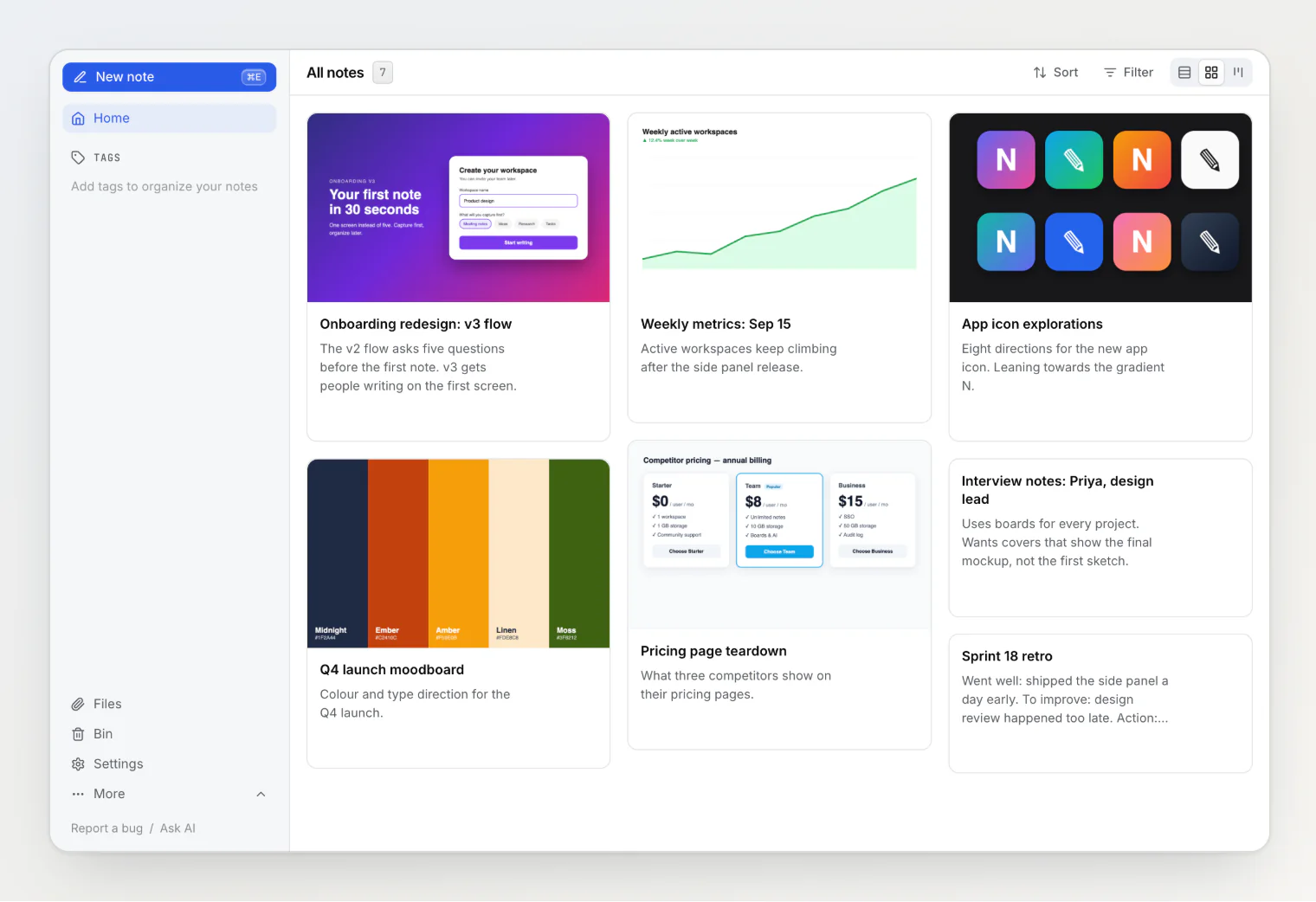
A note card used to show the first image in the note, whether or not it was the right one. Now you can pick any image in the note as the card's cover, or show none, from the note's menu.
Paste a screenshot or a file while renaming a note in the list, and it lands at the end of that note. No opening, no scrolling, no coming back. Also: custom properties in workspace settings, and property names on hover.
Add a cover image to a kanban card by pasting a screenshot straight into the column's quick-add box. Notez v0.12.0 uploads while you type the title, waits for the upload when you press Enter — and fixes the same save-mid-upload bug in the new note dialog.
Your AI assistant could write the incident report but not paste in the screenshot. Notez v0.11.0 lets Claude Code, Cursor, and any MCP assistant with a shell upload images and files straight into your notes — here is how it works, and the bug we designed out before it shipped.
Stop telling your assistant the same things every conversation. Notez v0.10.0 lets a workspace owner set standing instructions for every member's AI chat and lets each person add their own — and our first version of "the owner wins" lost to the model.
A five-word question broke our AI chat. Fixing it meant admitting the model could not see the screen, did not know what a task was, and had no tool that could read a board.
Last release we removed a hover-only "Configure sidebar" link and explained why. Notez v0.8.1 puts a version of it back for the one case the argument missed — an empty sidebar — and adds Edit property to every section's menu, so the dialog opens on the property you were already looking at.
Tags had a sidebar section. Status, Assignee, and Project did not, so filtering by them was three clicks away. Notez v0.8.0 lets any select, member, relation, or board property live in the sidebar as a one-click filter — and a review of the plan cut half of what we first designed.
Notez had two AI surfaces that were supposed to be equivalent and quietly stopped being. Closing the gap took an afternoon; the bug we found underneath it took longer, and a test we almost did not write is what caught it.